
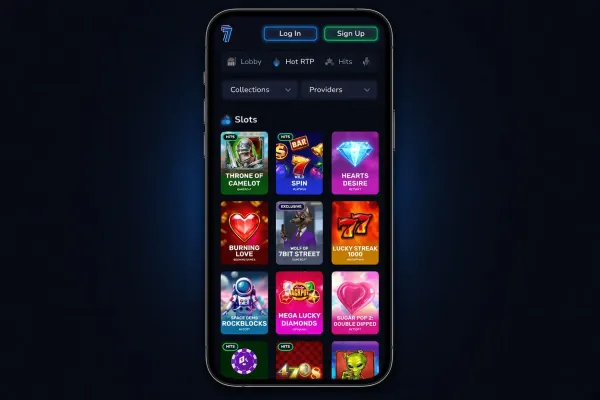
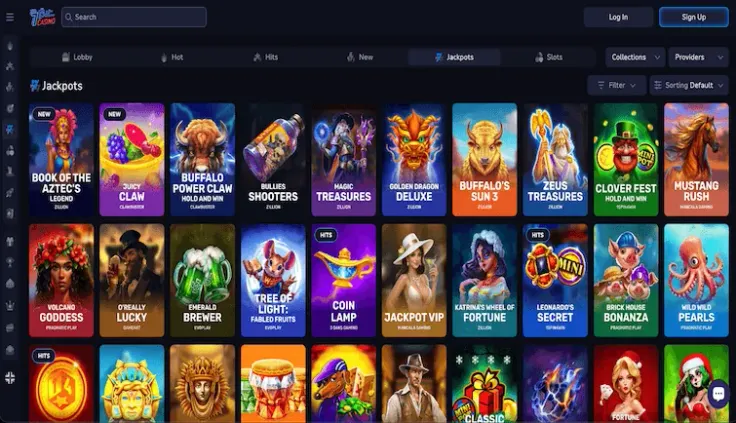
The 7bit Casino mobile version is the website opened in your phone browser, because 7bit Casino has no native iPhone or Android app. You can also pin it to your home screen and use it as an installable web app. In short: Installable web app (PWA) for Android, iOS and Windows; no native app.
That means there is one way to play from a phone, and it is the same on any device that runs a modern browser. No store listing, download or update is involved, and nothing needs to be installed from outside the browser. For the offer for new accounts, see the welcome bonus page.
What you can do on a phone
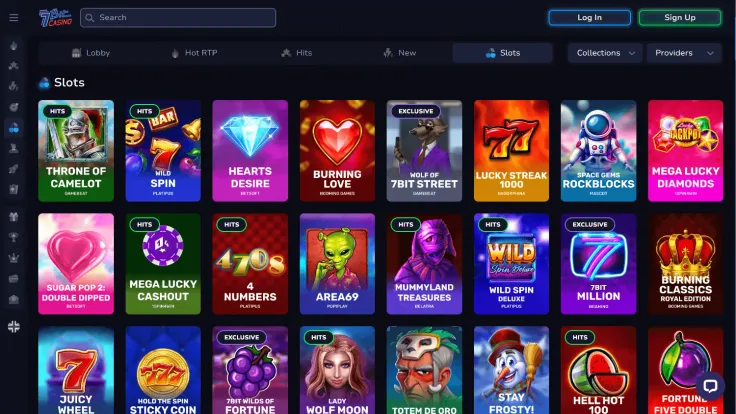
The mobile site is the route to the casino on a phone, and the live casino is part of the 7bit Casino range. If you already have an account, you can log in from your phone browser. If you are new, you can create an account the same way. The steps above show the order for both.
An installable web app is a website that your browser lets you save with its own icon. It opens the same website, so what you see on your phone is the casino site itself and not a separate program with its own features.
Phone screens are smaller, and that changes how you read rather than what is on offer. Terms, game rules and payment details take more scrolling, and long tables are easier to read with the phone turned sideways. Take the time to read them in full before you deposit, because it is easy to skim on a small screen.
If you want the full picture of what exists on this side, the app page covers it.
Playing in the browser instead of an app
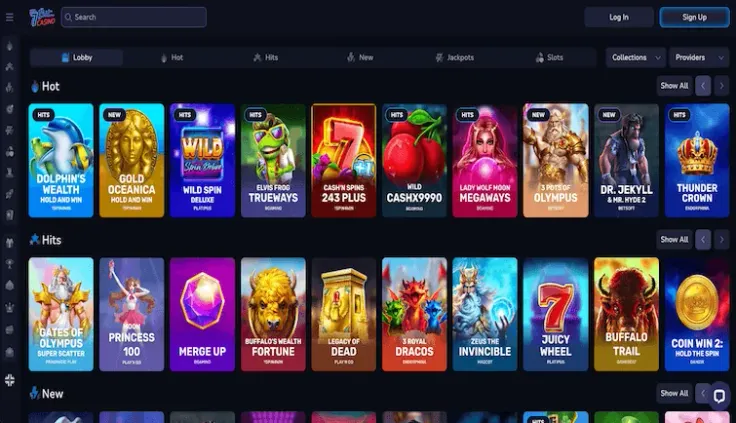
Since 7bit Casino has no native app for iPhone or Android, there is nothing to find in the App Store or Google Play and no file to download. Do not install an app from an unknown source or follow a link that offers an APK file, whatever name or logo it carries. The browser is the only route you need.
Use the browser that already comes with your phone, or the one you normally use. The Add to Home Screen option is part of the browser, and its exact place differs between browsers and phones, usually in the main menu or the share menu. The shortcut it creates opens the website, so the same address and the same login apply.
Before you enter your login details, look at the address bar and check that the spelling of the casino's address is correct and the connection shows as secure. A home screen icon you made yourself is safer than a search result or a message link, because you know where it leads.
Because the casino runs inside your browser, keep your phone's system and browser up to date. Updates fix security problems that affect every website you open, and a current browser also displays game pages and live video more reliably.
Keeping your account safe on a phone

A phone is easy to lose and easy to hand to someone else, so protect the account the way you protect your banking. Set a passcode or fingerprint lock on the phone, do not share the device while you are signed in, and sign out when you finish rather than only closing the tab, so the session does not stay open on a phone that gets passed around. Avoid saving your casino password in a browser on a phone that other people use.
Mobile data is worth a thought too. Live dealer tables stream video and can use a lot of data, so check your plan or connect to a network you trust. Public wi-fi in cafes, stations and airports is a poor place to log in or make a payment.
Set your limits before you play. If the account offers deposit limits, time-outs or reality checks, use them from your phone before your first deposit, and see the safer gambling page for how these tools work. Gambling is entertainment that costs money, so only deposit an amount you can afford to lose.